No description
- Vim Script 100%
 0ab698bd2a
Currently, DiffAdd is yellow and DiffChange is green. That's counterintuitive. So let's swap the colors. |
||
|---|---|---|
| autoload | ||
| colors | ||
| iterm2 | ||
| terminal | ||
| .gitignore | ||
| LICENSE | ||
| README.md | ||
space-vim-dark

Try the successor of space-vim-dark for light background support!
🎉 >> space-vim-theme
| dark | light |
|---|---|
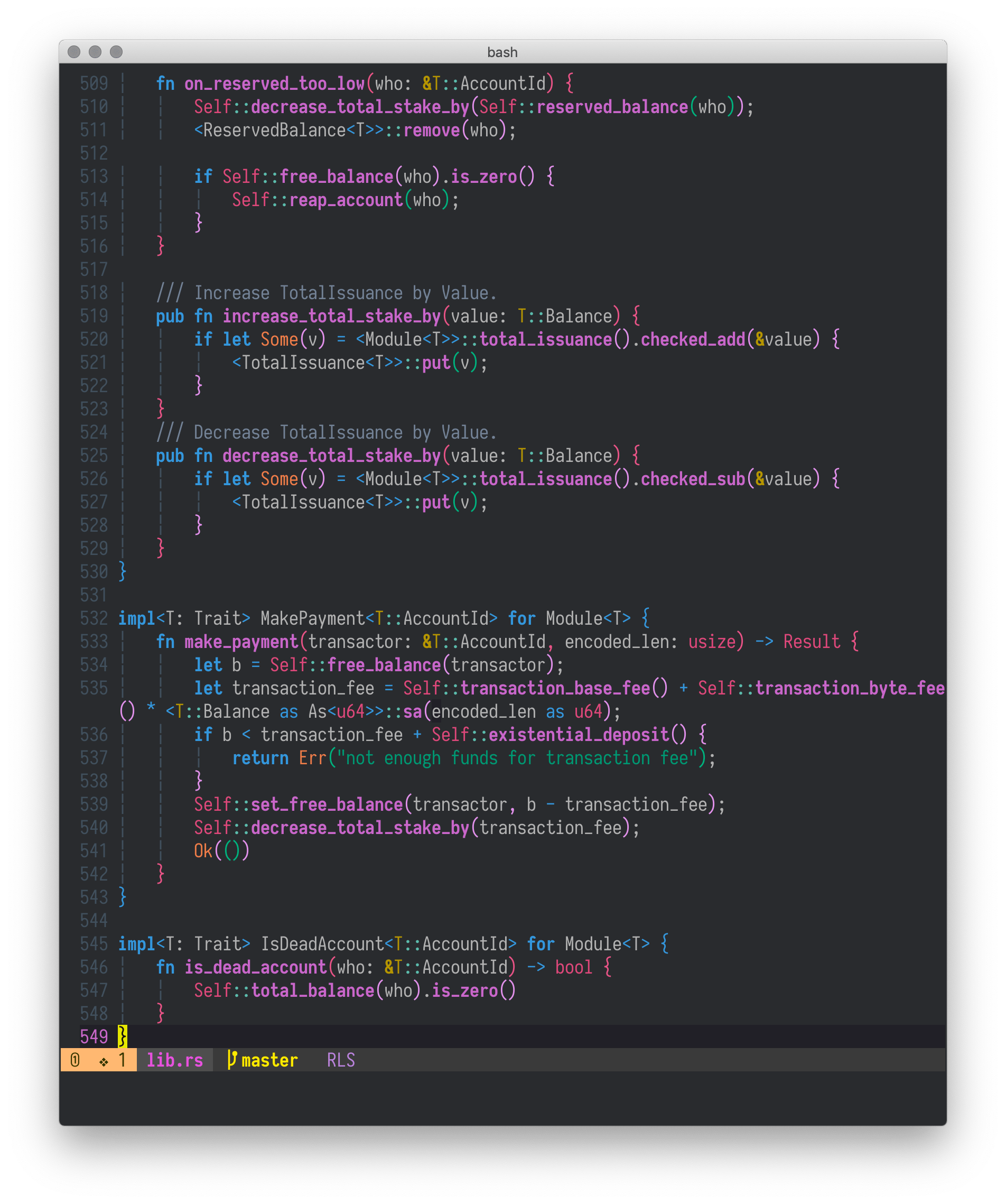 |
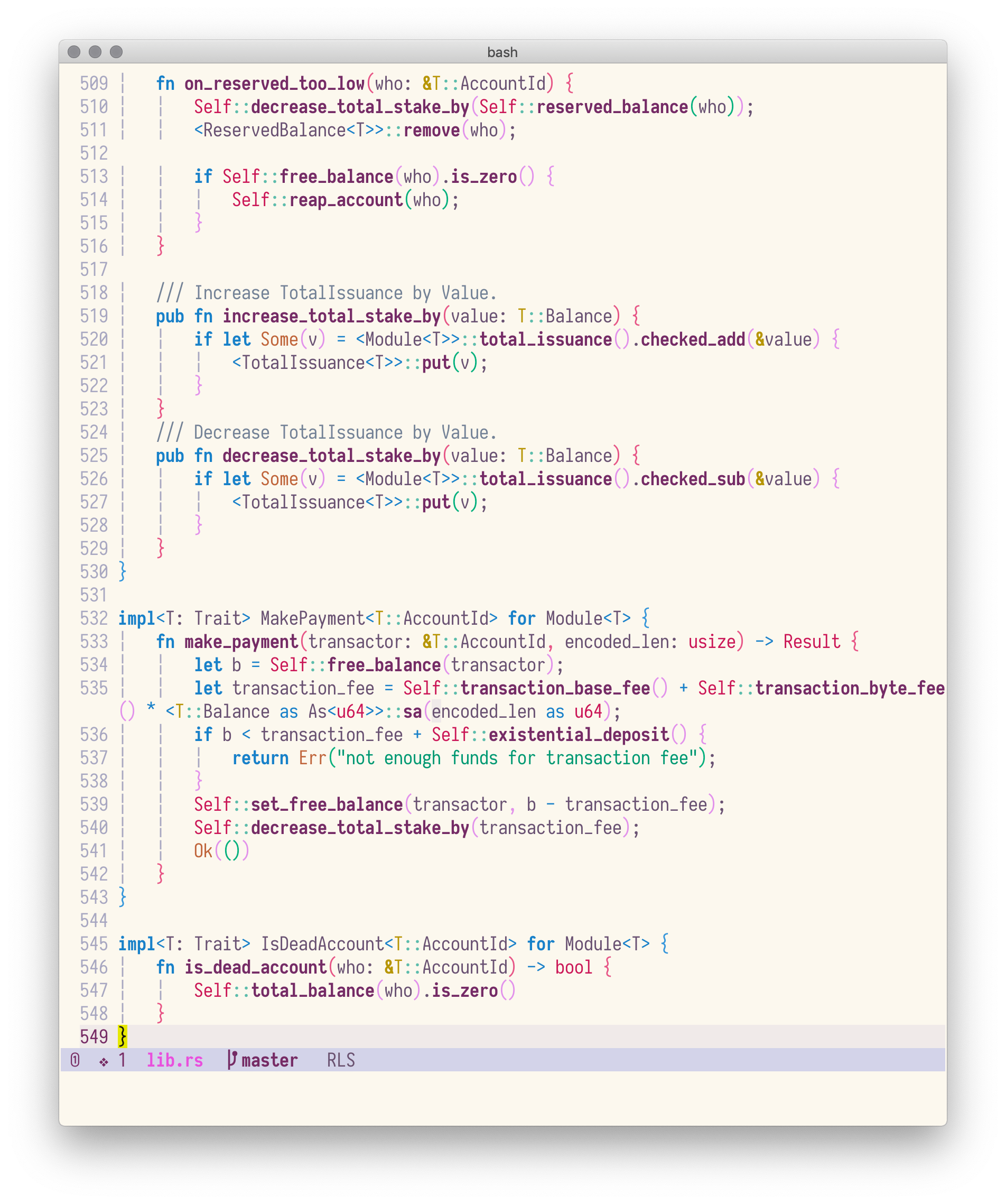 |
Space-vim-dark colorscheme is derived from spacemacs-dark-theme.
Installation
Follow your favourite plugin manager's instruction, e.g., vim-plug:
Plug 'liuchengxu/space-vim-dark'
Notes:
-
If you want to enable italics in terminal:
-
check if the current terminal is able to display italics correctly:
echo -e "\e[3mfoo\e[23m"]]", if the output isfoo, the terminal (-emulator) supports italics. -
If the terminal supports italics, put
hi Comment cterm=italicafter colorshcme command in your vimrc.colorscheme space-vim-dark hi Comment cterm=italic
-
-
If you want to make the background transparent, override the related items in your vimrc:
colorscheme space-vim-dark
hi Normal     ctermbg=NONE guibg=NONE
hi LineNr     ctermbg=NONE guibg=NONE
hi SignColumn ctermbg=NONE guibg=NONE
-
If you prefer the grey comment:
colorscheme space-vim-dark
hi Comment guifg=#5C6370 ctermfg=59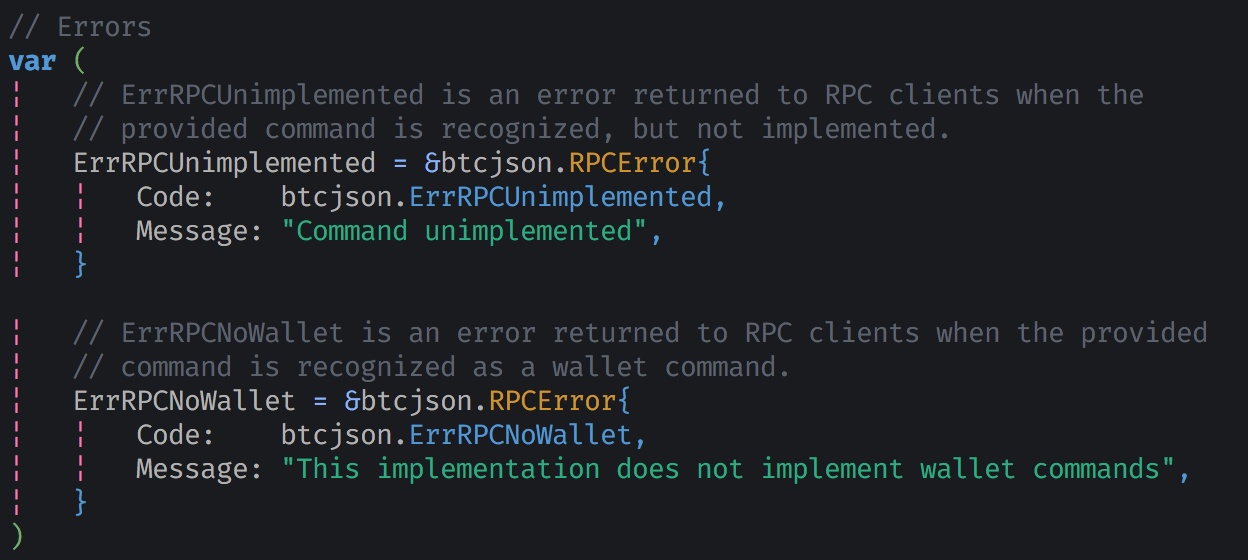
GUI or Terminal with true colors enabled
color space-vim-dark
set termguicolors
hi LineNr ctermbg=NONE guibg=NONE
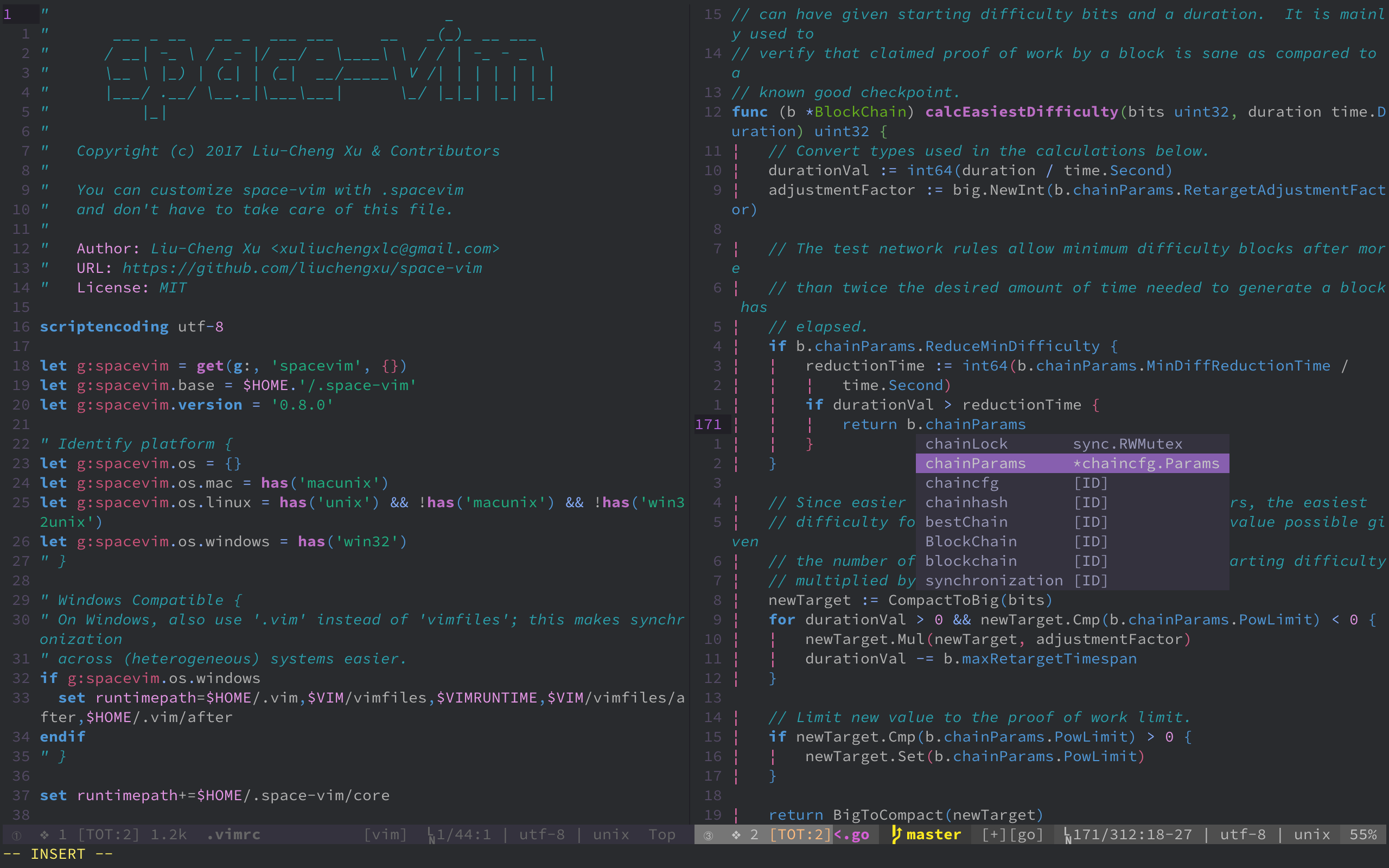
Cterm (256 colors)
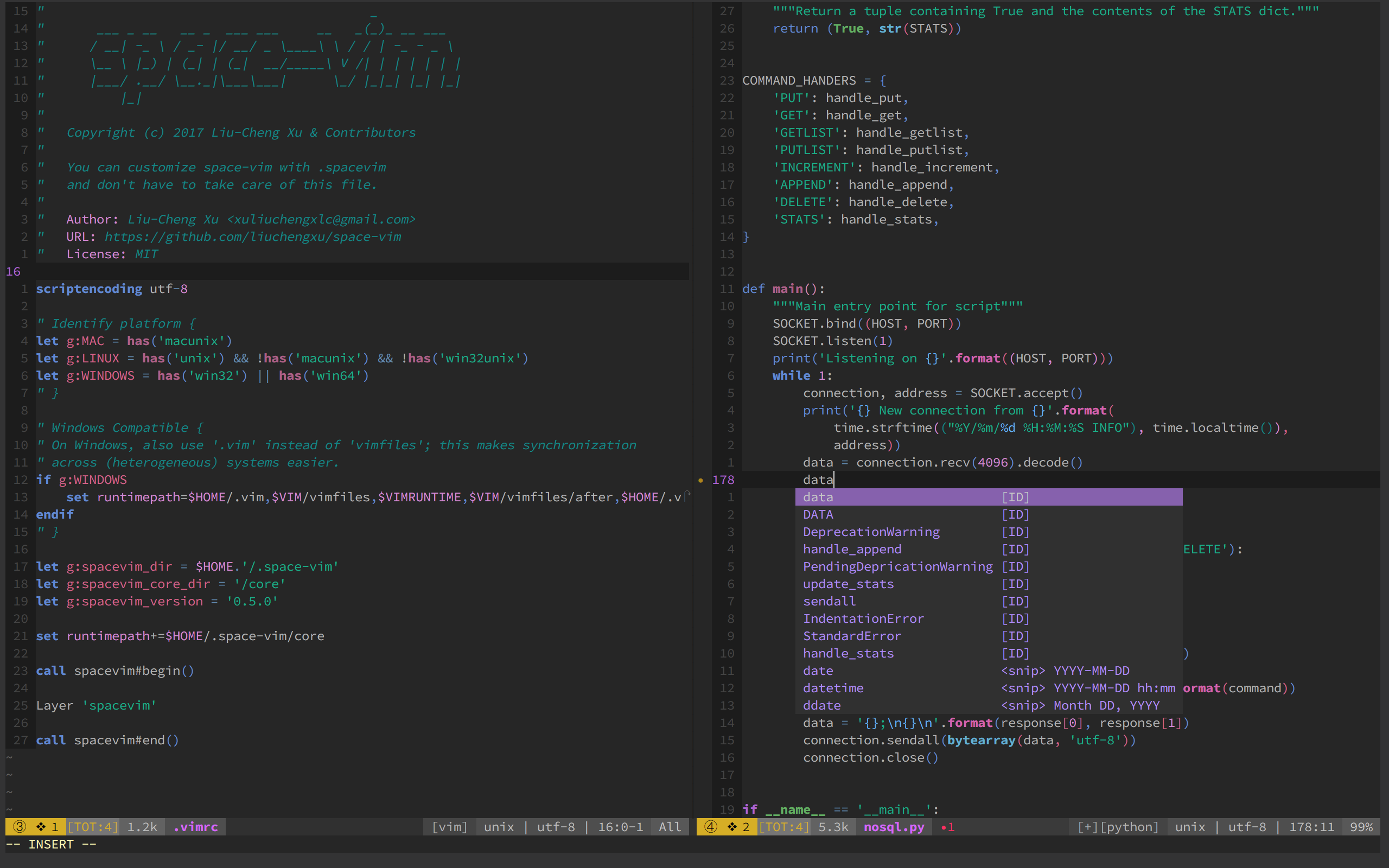
Change background color
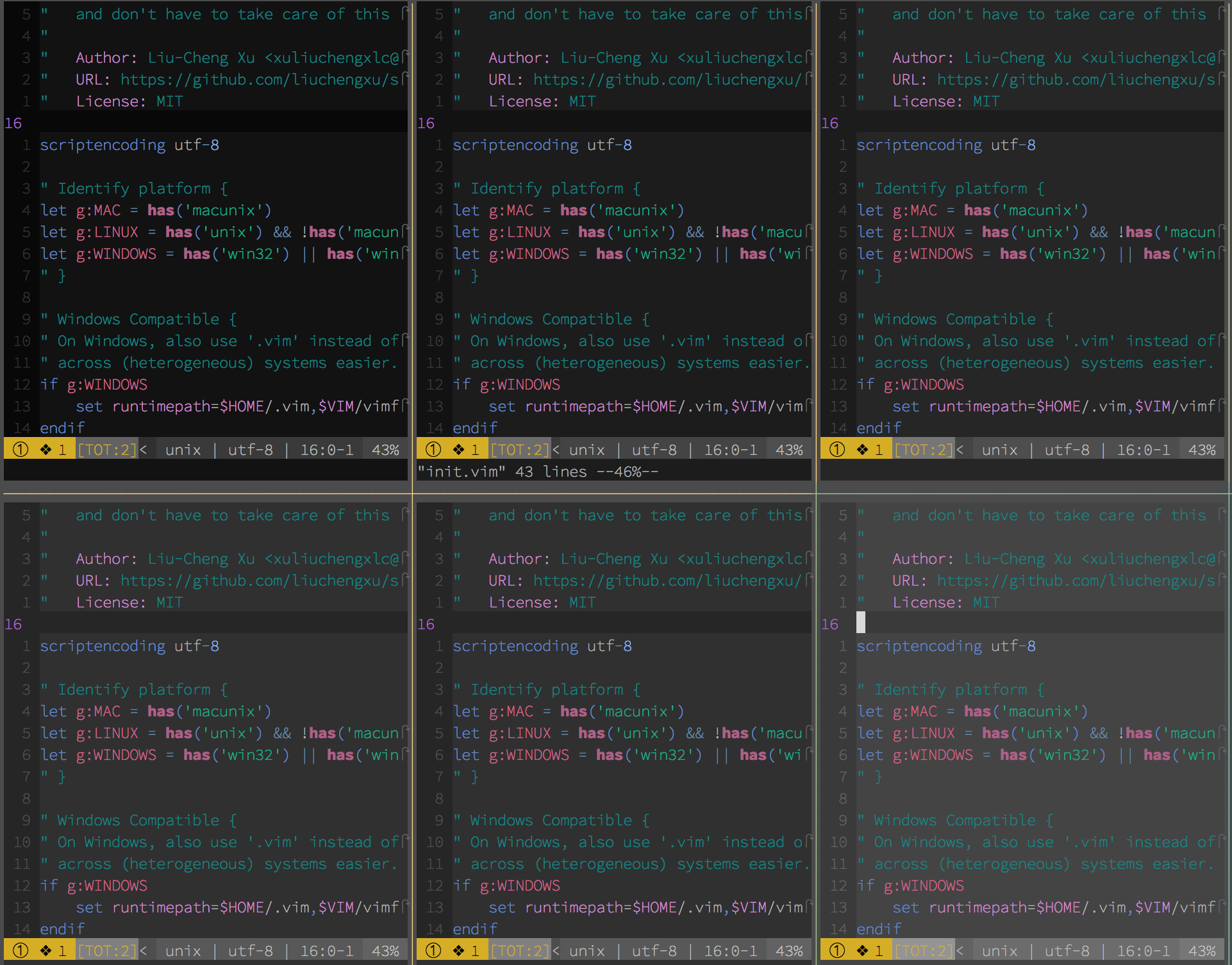
"   Range:   233 (darkest) ~ 238 (lightest)
"   Default: 235
let g:space_vim_dark_background = 234
color space-vim-dark
Airline
" Vim Script
let g:airline_theme='violet'
Lightline
" Vim Script
let g:lightline = {'colorscheme': 'violet'}
Credits
- Thanks to the great effort of @axvr . Now we have the Xresources port of space-vim-dark theme.
To use this colour scheme for X based applications (e.g. Xterm, URxvt, etc.):
- Copy all lines from this file which are not comments (comments are lines which begin with a
!) into your~/.Xresourcesfile.- Reload your configuration file with:
xrdb ~/.Xresources.